 kemangVPN
Linux App Installation (Beta)
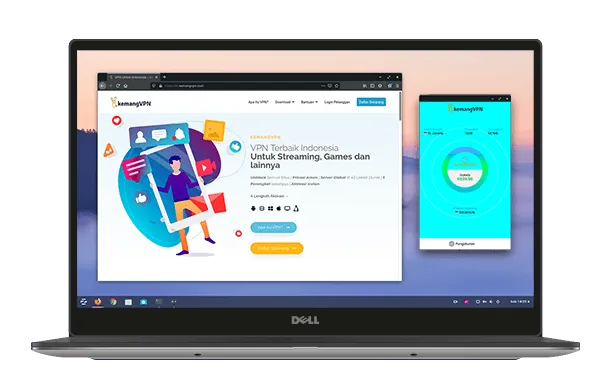
kemangVPN tersedia untuk: Android iOS Windows MacOS Android TV Linux
kemangVPN tersedia untuk:
Android iOS Windows MacOS Android TV Linux
kemangVPN tersedia untuk:
4 steps to activate kemangVPN
- Register and choose your VPN username. Instant Activation after payment is automatically confirmed
- Check your email for your VPN password
- Download & install aplikasi VPNClient. Setting username dan password VPN anda
- Choose Server Location. Activate connection. Your internet is now secure.